Disclosure: WhatAllSay is reader-supported. Some links on this page are affiliate links, and we may earn a commission if you subscribe, at no extra cost to you. It never changes what we write or the scores we publish.
Planner 5D is a good fit if you want to lay out a room or a whole floor in 3D without learning CAD. The free tier gives unlimited projects and half the furniture catalogue, and Premium runs $59.99 a year. Designers who need construction-grade drawings should compare dedicated CAD tools first.
How we made this estimate
We compiled eight sources read between 10 and 24 October 2026: five rating pools (G2, Capterra, Google Play, the Apple App Store and Trustpilot) and three of Planner 5D's own pages (pricing, refund policy and the help-centre subscription matrix). We did not test the software ourselves, so every experiential claim below is attributed to the source that made it. Prices were read from the official pricing page and cross-checked against its product schema.
What Planner 5D actually is
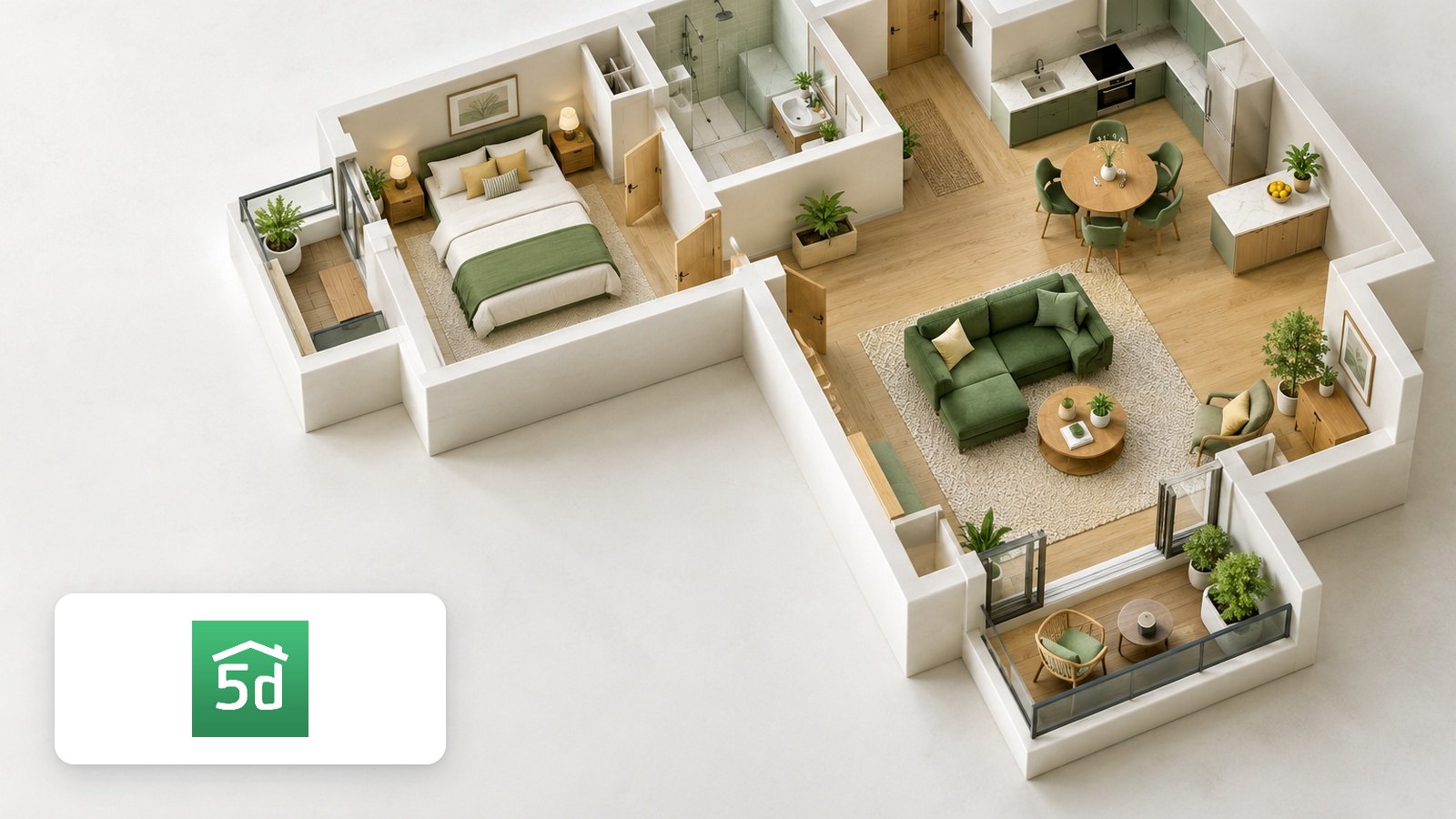
Planner 5D is interior design software for drawing floor plans and furnishing them in 3D. You draw walls in a 2D view, drop in furniture from a catalogue, then switch to a 3D view or render the room as an image.
It runs in a browser and as native apps on iOS, Android, macOS, Windows and Apple Vision Pro, and a project opened on one syncs to the others. The toolset covers kitchen, bathroom, garden, deck, garage and office planners, an AI floor-plan converter that turns an uploaded plan into a 3D model, mood boards, and 360-degree walkthroughs on the top tier.
The company is Lithuanian, headquartered at A. Goštauto St. 12A in Vilnius. Its own homepage claims more than 100 million users and 540 million designs created. We can confirm it serves customers in the US, UK, Germany, Brazil, India and Singapore without redirecting them.
What the rating sources agree on
Across every pool we read, the praise lands in the same place: it is easy to pick up. Ease of use is the highest of the four sub-scores Capterra reviewers give it, and users on both software-review sites describe the interface as intuitive for people with no design training.
The second point of agreement is the catalogue and the render quality. Verified buyers on Capterra single out the range of furniture, textures and surfaces, and the quality of the 3D output, as the reason they stayed.
The third is reach. Comparison roundups that place it against HomeByMe, Roomstyler, Homestyler and SketchUp consistently note that its platform coverage, including mobile and Apple Vision Pro, is the widest in the category.
| Source | Score | Base | Read |
|---|---|---|---|
| G2 | 4.7 / 5 | 167 reviews | Oct 2026 |
| Capterra | 4.5 / 5 | 117 reviews | Oct 2026 |
| Google Play | 4.5 / 5 | 472,000 reviews | Oct 2026 |
| Apple App Store | 4.4 / 5 | 39,000 ratings | Oct 2026 |
| Trustpilot | 2.7 / 5 | 883 reviews | Oct 2026 |
Why the scores split so widely
That table is the most useful thing on this page, because the gap is not random. The four pools that rate the software sit between 4.4 and 4.7. The one pool that rates the company as a merchant sits at 2.7.
Trustpilot's distribution explains it. Fifty-eight per cent of its 883 reviews are five-star and 27 per cent are one-star, with very little in between. Read the one-star group and the dominant theme is the subscription itself: customers describing renewals they had not expected and trouble stopping them. A smaller group reports crashes and slow renders. Planner 5D replies to 89 per cent of its negative reviews, though its own page notes it typically replies within a month.
So the two sets of numbers are measuring different things. If your question is whether the design tools work, the software-site and app-store scores answer it. If your question is what happens at the billing stage, the practical steps in the next section matter more than any score.
What the free plan really covers
The free tier is unusually complete for this category, which is why we point most readers there first. The pricing page lists it at $0 with an unlimited number of projects, access to 50 per cent of the furniture catalogue, and use across web and mobile. There is no card required and no trial clock running down.
What it does not include is the output most people eventually want: 4K renders, uploading an existing floor plan for conversion, CAD export, 3D model import and the 360-degree walkthrough are all paid features. The free tier is enough to decide whether the layout tools suit you, and enough to finish a simple room plan you only need to look at on screen.
Two ways to see the paid features at no cost: the seven-day Professional trial runs on web, iOS, Android and Windows, and a three-day Premium trial is offered on macOS and iOS. The help centre notes one activation per person, and the Apple trial is one per Apple ID, so pick the tier you actually want to test before starting either.
Is the pricing fair?
Premium is $19.99 a month or $59.99 paid annually, which the pricing page frames as $4.99 a month. Professional is $49.99 a month or $399.99 annually, an effective $33.33 a month. Comparison roundups in the category place that $59.99 annual figure at the low end for 3D home design software.
| Plan | Monthly | Annual | What it adds |
|---|---|---|---|
| Free | $0 | $0 | Unlimited projects, 50% of the furniture catalogue, web and mobile |
| Premium | $19.99 | $59.99 | Full premium catalogue (10,000+ items), standard renders, floor-plan upload |
| Professional | $49.99 | $399.99 | Unlimited 4K renders, CAD export, 360 walkthrough, 3D model import |
| Enterprise | Custom | Custom | White-label planner, own 3D catalogue, product configurator, API access |
Three details change the arithmetic. First, annual billing is the whole discount: $59.99 against twelve months at $19.99 is a 75 per cent saving, and nobody needs a code for it. Second, prices localise, so the figure you see depends on your country; our fetch from an India-side connection returned rupee pricing on the same page. Third, the app-store subscriptions are priced separately from web, and the help centre lists a weekly Premium plan that exists only on iOS and Android, which is the cheapest route if you have one short project to finish.
Two groups pay nothing. Schools and educational institutions get free licences worldwide on application by a teacher, and the Design Battle contest awards Premium access to a handful of weekly winners. Separately, the Experts service sells a human designer rather than software, starting at $99 for a small project, with a first draft in about three business days.
What works well, what to check
What works well
- Verified buyers on Capterra and G2 rate ease of use as its strongest quality, with no design training needed.
- The free tier carries unlimited projects and half the catalogue, which is more than most rivals give away.
- Customers on Capterra praise the furniture, texture and surface range and the quality of 3D renders.
- One project syncs across six platforms; comparison roundups call the coverage the widest in the category.
- Capterra reviewers describe support as quick to come back with answers.
What to know before you buy
- Subscriptions renew automatically. Cancel in settings and the cancellation takes effect at the end of the billing period; set a reminder if you only need one project.
- Trials must be cancelled at least 24 hours before they end to avoid the charge, per the refund policy.
- Subscription fees are non-refundable once digital content has been delivered, so check the tier before you pay; defective content can be reported to the help centre within 14 days.
- If you subscribed in the iOS or Android app, manage and cancel it in that store rather than on the website.
- Some Capterra users and Trustpilot reviewers report lag and slow renders on larger projects; test your own project size on the free tier first.
- Businesses needing construction-grade technical drawings may find the documentation limited; Professional exports to CAD, but reviewers do not treat it as a drafting replacement.
Who it suits best
It fits homeowners and renters planning a renovation who want to see a room before committing to it, and who want to do that on a phone as readily as a laptop. It also suits anyone planning indoor and outdoor space in one project, since the kitchen, room, garden and deck planners share a file.
Interior designers and property agents are well served at the Professional tier, where 4K renders, 360 walkthroughs and CAD export give them something to hand a client. Teachers are an easy yes, because the licences are free.
An alternative may fit better in two cases. If you need precise, dimensioned construction drawings, a dedicated drafting tool is the better buy. If you want full 3D modelling control rather than furnishing a template, SketchUp is the tool to learn instead.
Alternatives worth comparing
- HomeByMe — prefer it for live collaboration, since several people can work in the same project at once. It rates lower on Capterra at 3.8 out of 5, though on a much smaller base of 14 reviews.
- RoomSketcher — prefer it when the floor plan itself is the deliverable and you want cleaner, more precise output than a furnished 3D scene.
- SketchUp — prefer it if you want real 3D modelling control and are willing to spend time learning it; roundups treat it as the step up rather than a like-for-like swap.
Is Planner 5D free?
Yes, there is a permanently free tier at $0 with unlimited projects and access to half the furniture catalogue, on web and mobile. No card is required. The paid features are 4K renders, floor-plan upload, CAD export, 3D model import and the 360-degree walkthrough.
How much does Planner 5D cost per year?
Premium is $59.99 a year and Professional is $399.99 a year, as listed on the official pricing page. Paying monthly costs $19.99 and $49.99 respectively, so annual billing is the cheaper route. Prices are shown in your local currency and vary by country.
Does Planner 5D have a free trial?
Yes. The help centre lists a seven-day Professional trial on web, iOS, Android and Windows, and a three-day Premium trial on macOS and iOS. Both allow one activation per person, and the refund policy says you must cancel at least 24 hours before the trial ends to avoid being charged.
How do I cancel a Planner 5D subscription?
Cancel in your account settings, and the cancellation takes effect at the end of the current billing period. If you subscribed through the iOS or Android app, cancel it in that app store instead. Subscription fees already paid are non-refundable once the digital content has been delivered.
Is Planner 5D good for professional designers?
At the Professional tier it covers the client-facing output designers need: unlimited 4K renders, CAD export, 360-degree walkthroughs and 3D model import. Reviewers on the software-comparison sites rate it well for visualisation and concept work, and suggest a dedicated drafting tool for dimensioned construction documents.
Why is Planner 5D rated lower on Trustpilot than on G2?
The two sites measure different things on different bases. G2 (4.7 from 167 reviews) and Capterra (4.5 from 117) collect software reviews, while Trustpilot (2.7 from 883) collects merchant experiences, and its one-star reviews are dominated by subscription renewal and cancellation. The app stores, with over 500,000 combined ratings, sit at 4.4 to 4.5.
Bottom line
Planner 5D earns a compiled 7.9 out of 10 from us, and we hold that with reasonable confidence: five independent pools, two of them very large, point the same way on the software itself. It is among the easiest 3D home design tools to learn, the catalogue and renders are what people stay for, and $59.99 a year is a fair price for what Premium opens up.
Start on the free tier, which costs nothing and tells you within an evening whether the layout tools suit how you think. If you move to a paid plan, choose annual billing for the standing 75 per cent saving, and note the renewal date in your calendar.